Live text broadcasting
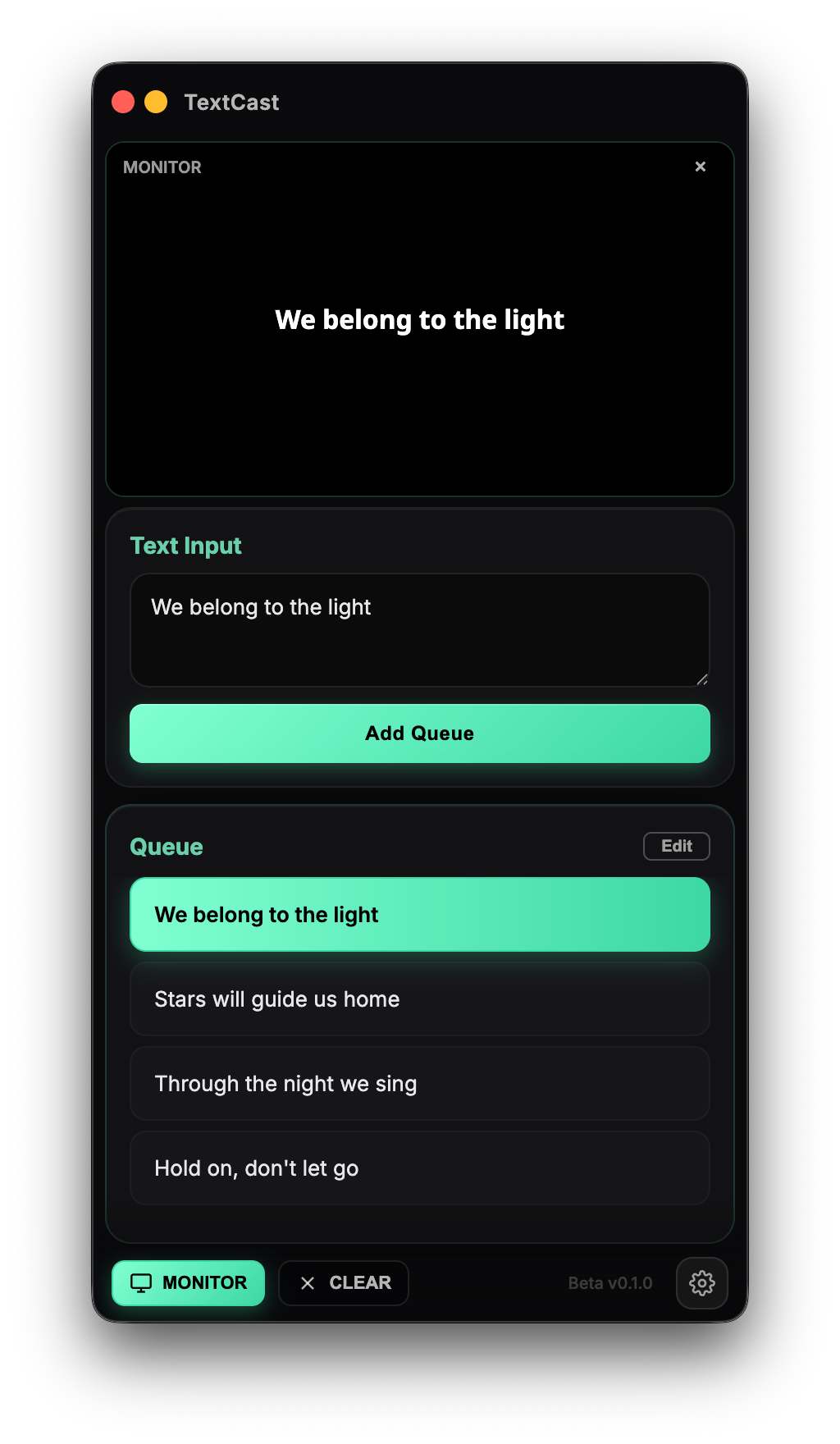
Queue lines ahead of time, fire them with one click. Edit, reorder, add memos — all reflected live during the show.
A text broadcasting tool for VJs, live performances, worship, and streaming. From queue to preview, animation, and output — in one click.
macOS 11+ · Windows 10+ (64-bit)
Less setup time. More stage time.
Queue lines ahead of time, fire them with one click. Edit, reorder, add memos — all reflected live during the show.
Register lyrics as songs and split them by the number of lines you want. Right-click any chunk to resize it on the fly.
Fade, slide, zoom, blur. Control by character, word, or line — plus direction, entry/exit timing, and stagger.
Built-in fonts, system fonts, or upload your own. Fine-tune color, letter spacing, line height, shadow, and stroke.
Overlay directly onto video with a transparent background, or output on black / green for chroma keying.
Balanced mode saves resources when idle. Performance mode locks the configured FPS for zero-drop live shows.
Pulls straight into Resolume, OBS, TouchDesigner, MadMapper, and other major VJ and streaming tools.
Input on the left, preview in the middle, queue on the right. The flow from typing to broadcast is always in view.
Use every feature free during the beta.
Free during beta. Enter your email and we will send the license code.
No payment required — checkout is free.
Universal build (Apple Silicon · Intel) / Windows x64 · Download from GitHub Releases